



Take screenshots and share them very easily
Jing is an application to carry out screen captures and screencasts, this means, video recordings of what happens on a computer's screen. Furthermore, the program allows you to apply small modifications to the captures, by inputting arrows and text. Being very easy to use, Jing is a program that can't be missing on your computer.
Capture and share your screen
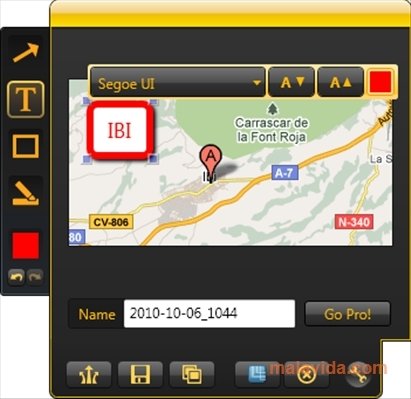
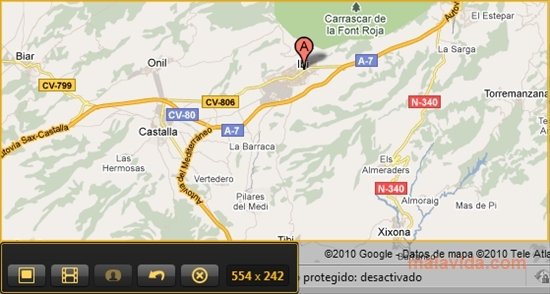
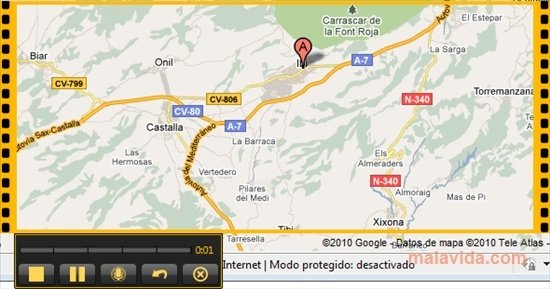
This program uses the sun as an interface. This sun appears at the top of your desktop. When you pass your mouse over it, three rays will appear, offering three different options: capture the screen, review the capture history or access the configuration. If you select the first option, you will be able to capture those parts of the screen that you want and decide if you want a still image or a video. The still image capturing will allow some editing, like inputting text, arrows or highlighting a specific area. In what regards to the video recording, it will also allow you to add audio.
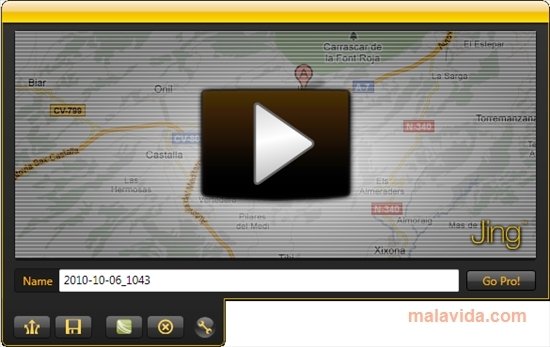
Once your captures are complete, you will be able to store them on your computer or share them on Screencast.com, a web on which you will be able to register for free. This website will offer you the possibility to share the images in different ways.
Requirements and additional information:
- This download requires that you have Microsoft .NET Framework 3.5 SP1 installed.
- You will have to create a free account to be able to access Screencast.com.
 Leticia Sorivella
My name is Leticia. I really like movies, television, and music. That is why I studied Audiovisual Communication. In the beginning, I wanted to work in movies, but I ended up on television. Then, I went from being behind the cameras to being in...

Antony Peel